
Installing mac osx from scratch – the web develper view

brew cask install lastpass
brew cask install toggldesktop
brew cask install chrome
brew cask install iterm2

brew cask install slack

brew cask install filezilla
brew cask install phpstorm
brew cask install tunnelblick
brew cask install dropbox
brew cask install sequel-pro
brew install php71-apcu
brew install php71-opcache
brew install php71-mcrypt
brew install php71-intl
brew install php71-xdebug
brew install xdebug-osx
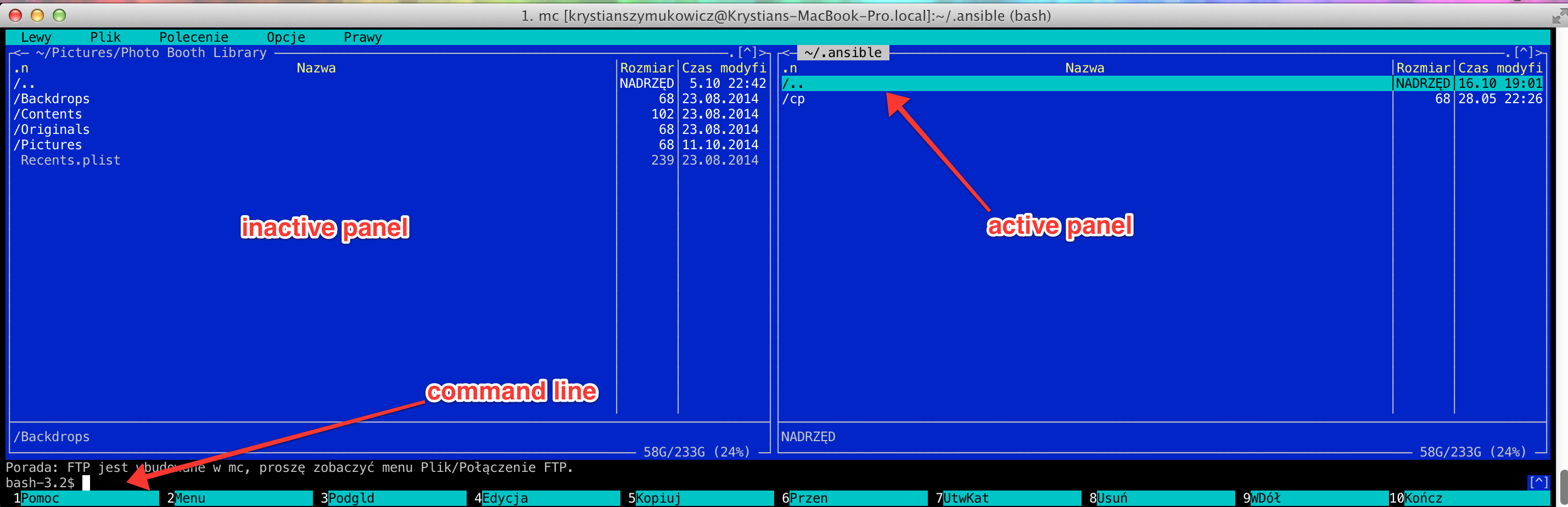
brew install mc
brew install wget
brew install imageoptim
brew install pngquant
brew install optipng
brew install pngquant
brew install gifsicle
brew install jpegoptim
brew install jpegrescan
brew install jpegtran
brew install mozjpg
Replace right option with right alt on mac osx

By default when you want to use some national polish chars on macosx keyboard you need to use right alt. More convenient and natural however is to use right command key which is closer to your right tumb. You could replace the keys with Karabiner (https://pqrs.org/osx/karabiner/) but if its only thing you need Karabiner for then its better to do it without installing third party software.

Continue reading

PhpStorm and GIT case sensitive on MacOS

PhpStorm < 10

Up to PhpStorm9 it was possible to set case sensitivity by adding:

idea.case.sensitive.fs=true

to idea.properties file, which you can open using “Help -> Edit Custom Properties” in PhpStorm itself.


PhpStorm  >= 10

It Seems that in versions 10 and later you need to use idea.properties file from “Help -> Edit Custom Properties” but also need to add this line to another idea.properties file:

echo 'idea.case.sensitive.fs=true' >> /Applications/PhpStorm.app/Contents/bin/idea.properties


GIT case sensitivity

Remember also that GIT has it own setting for case sensitivity and it may be turned off on your environment, because MacOS does is not case sensitive by default. You can turn it on by:

git config core.ignorecase false